What it is
Templates are the building blocks of every send. A template is a reusable, localised message for one channel — email or SMS — with variables that fill in each recipient’s name and details. The library is where you see what you can send, filter by channel or language, and keep the set tidy so the right template is easy to find when you’re building a campaign or a trigger.
A clean library matters because campaigns and triggers can only pick an active template. Drafts and retired ones sitting around make the picker confusing and risk someone sending the wrong message. Keeping the library healthy — active where it should be, soft-deleted where it shouldn’t — is the quiet maintenance that keeps every send on-brand.
When to use it
- You’re about to build a campaign and need to find the right template
- A message wording has gone stale and needs reviewing
- You want to retire a template no one should use any more
- You’re checking which messages exist in another language
How it works
Step by step.
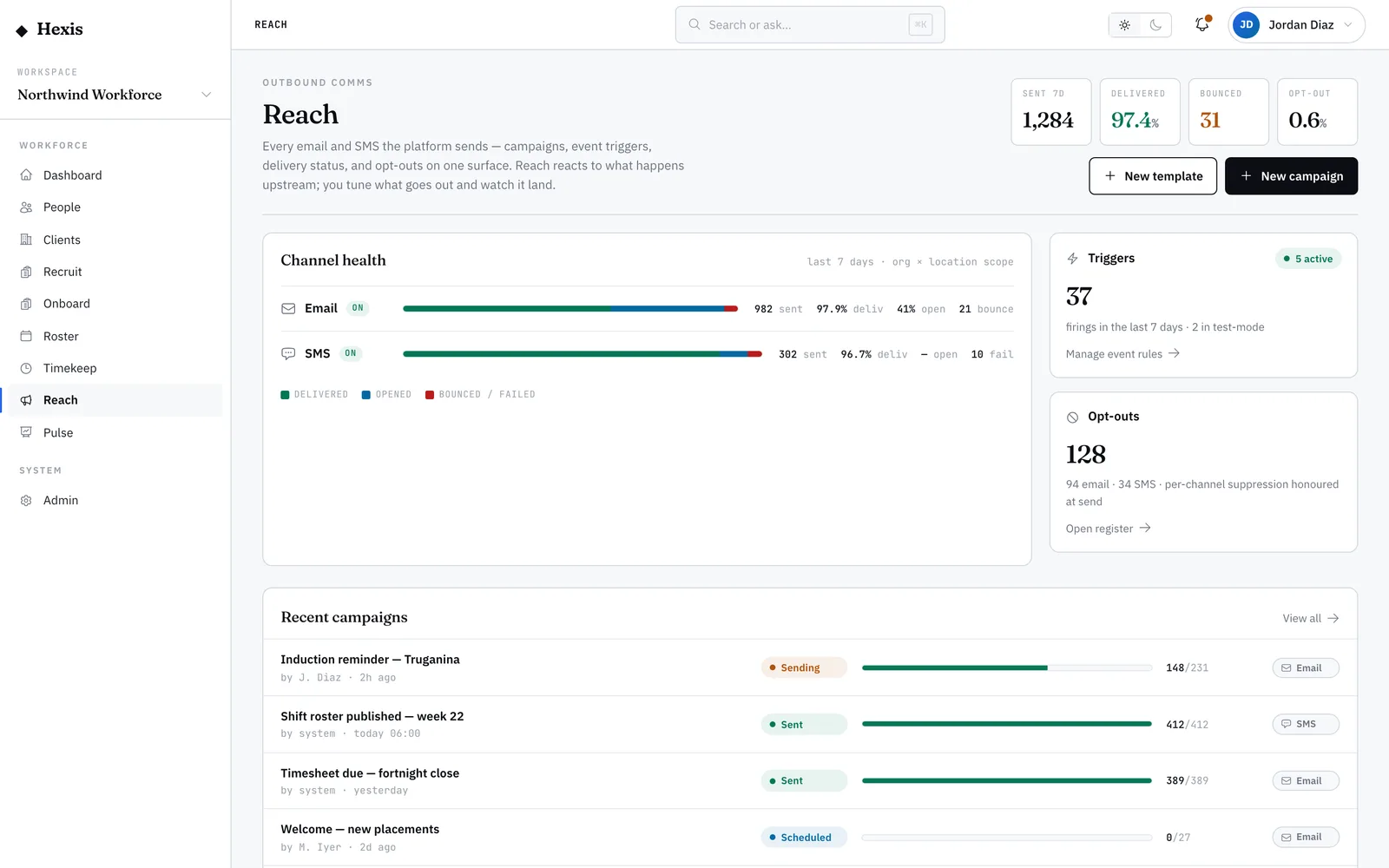
- 1
Open the template library
Land on the library to see every template with its channel, language and status at a glance.
- 2
Filter to what you need
Narrow by channel, language, or show the soft-deleted ones. The list shrinks to just the templates that match.
- 3
Open one to review
Click into a template to read its body, check the variables, and see when it was last changed.
- 4
Retire or restore
Soft-delete a template that shouldn’t be used so it drops out of the campaign and trigger pickers; restore it later if you change your mind.
- 5
Add a new one
Start a new template from here when there’s a gap — give it a name and channel, then edit the full body in the editor.
Worked example
Follow it through.
The scenario
Northwind Workforce is cleaning up its message library before a busy season.
- 1 Open the library; filter to SMS templates only.
- 2 Spot two old "Shift reminder" variants and one current one.
- 3 Open the two old ones, confirm they’re unused, and soft-delete them.
- 4 Filter to English (NZ) to confirm the welcome message has a localised version.
- 5 Find none, so start a new "Welcome" template for that locale.
The result
The SMS library has one clear shift-reminder template, the old duplicates are out of every picker, and a New Zealand welcome message is on the way.
Tips & notes
Good to know.
- Soft-delete rather than worrying about losing work — a retired template can always be restored.
- Name templates by what they do ("Document request", "Shift reminder") so the picker is self-explanatory.
- Only active templates appear when building a campaign or trigger — that’s by design, to stop accidental sends.
- If you support more than one region, check each template has the language variants you need before peak season.
When you’re done
A tidy, current template library where every campaign and trigger picks the right message first time.