What it is
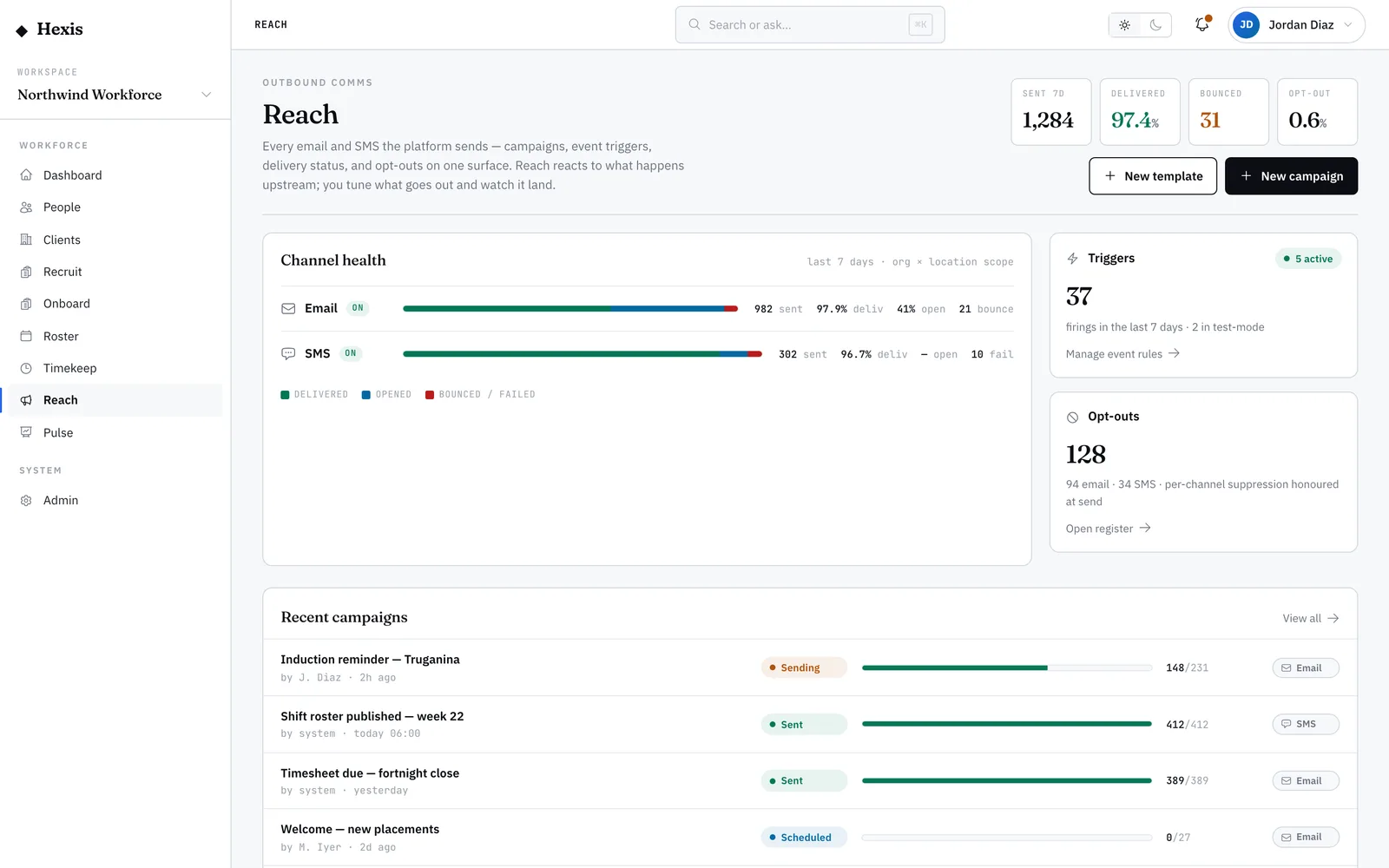
The opt-out register is the do-not-contact list. Before any message leaves the platform, it’s checked against this register per person and per channel — and if someone has opted out, the send simply stops before it ever reaches a provider. Each entry carries an audit trail of how and when the opt-out happened, so you always know why someone isn’t being reached.
Respecting consent is both the right thing and the safe thing. Hard bounces flag people here automatically, so you stop wasting sends on dead numbers. Opting someone back in is deliberate and restricted to administrators — and itself recorded — because consent should only ever return when the person actually asked for it.
When to use it
- Someone says they stopped getting messages and you need to know why
- A worker asks to be contacted again after opting out
- You want to confirm a person is genuinely suppressed before a campaign
- You’re reviewing repeated bounces that have auto-flagged numbers
How it works
Step by step.
- 1
Open the opt-out register
Land on the register to see every suppressed recipient with the channel they opted out of and the reason.
- 2
Find the person
Search or filter for the worker or contact in question. Their channels show clearly which are suppressed and which are still allowed.
- 3
Read the audit trail
Open a record to see how and when the opt-out happened — a reply, a hard bounce, an administrator action — so the reason is never a mystery.
- 4
Opt someone back in
If they’ve genuinely asked, opt them back into the channel. This is administrator-only and the change is recorded against their record.
- 5
Confirm before a campaign
Check the register before a big send so you know your dry-run count already reflects everyone who’s suppressed.
Worked example
Follow it through.
The scenario
Sofia Russo asks why she stopped getting shift SMS messages from Northwind Workforce.
- 1 Open the register and search for Sofia Russo.
- 2 Her SMS channel shows "Opted out" with reason "Replied STOP on Mon 2 Jun".
- 3 Confirm with Sofia she wants messages again.
- 4 Opt her back into SMS; the change records your name and the date.
- 5 Send a test reminder, which now delivers.
The result
Sofia is reachable by SMS again, the reason for the original opt-out is on record, and the opt-back-in is fully audited.
Tips & notes
Good to know.
- A hard bounce auto-flags a recipient here — that’s usually a wrong number, so fix the contact detail rather than just opting back in.
- Opting someone back in is restricted on purpose; only do it when the person has actually asked.
- Every dry-run already removes opted-out recipients, so the register is your source of truth for who’s suppressed.
- The audit trail means you can always answer "why didn’t this person get the message?" with a real reason.
When you’re done
A respected, auditable consent register that keeps sends compliant and people reachable only when they’ve agreed.