What it is
Assigning an asset records that a specific item is now in someone’s custody. You choose the worker, site or client taking it, the date, and the condition it goes out in — new, good, fair or poor — and the item is logged as out. From that point the custody ledger knows exactly who holds what, and the worker can see it in their own list.
Do this every time equipment leaves the store. A clean assignment record is what lets you chase the right person when a radio does not come back, and the condition-out note protects you when something is returned damaged. It turns “I think Tom has it” into a dated, signed-off fact.
When to use it
- A worker is starting and needs their PPE, radio or laptop
- Equipment is moving to a worker, a site or a client
- You want a clear record of who holds an item before it leaves the store
- A mobilisation needs kit handed out to a crew
How it works
Step by step.
- 1
Open the asset
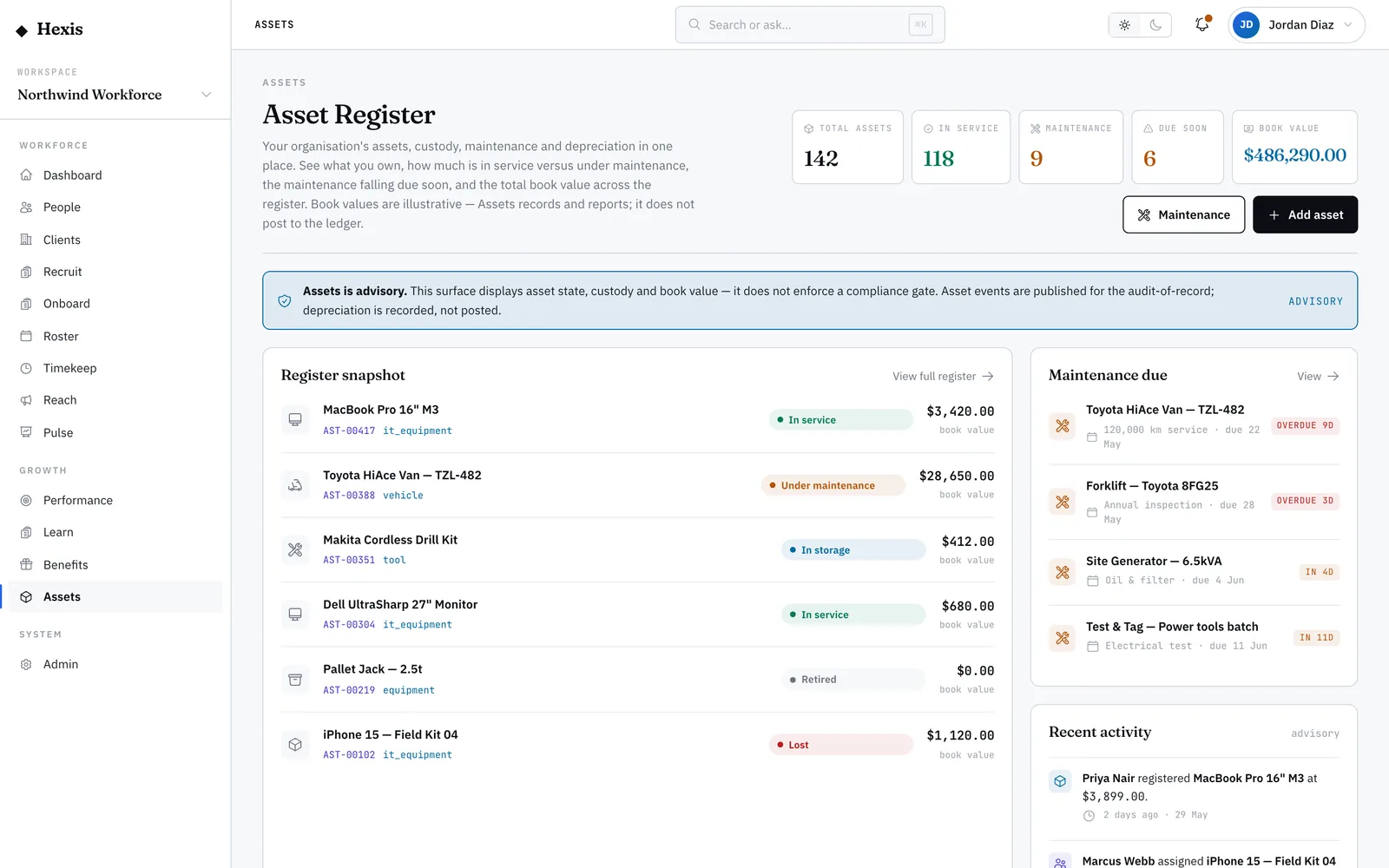
Find the item in the register and open its record. The custody panel shows whether it is currently held or available.
- 2
Start an assignment
Choose to assign it, then pick who is taking it — a worker, a site or a client — using the type badge to keep it clear.
- 3
Set the date and condition
Confirm the assigned-on date and record the condition it goes out in, from new to poor. This is your baseline for the return.
- 4
Confirm
The item flips to active custody, the assignment lands on the ledger, and the worker sees it in their own “My assets” list.
- 5
Hand it over
Give the worker the physical item. The record now backs up who has it and the state it left in.
Worked example
Follow it through.
The scenario
Maya Chen starts as a Security Officer for Meridian Retail at Riverside Plaza and needs a two-way radio.
- 1 Open radio AST-00203 in the register; its custody panel shows “Available”.
- 2 Choose “Assign” and select the worker Maya Chen.
- 3 Set assigned-on to Mon 9 Jun and condition out to “Good”.
- 4 Confirm the assignment.
- 5 Hand Maya the radio at the start of her first shift.
The result
The radio shows “Active — Maya Chen, condition out: Good”, the custody ledger lists it as out, and it appears in Maya’s “My assets”.
Tips & notes
Good to know.
- Always set the condition out honestly — it is the only fair baseline when the item comes back.
- You can assign to a site or a client, not just a worker, when kit lives on location rather than with a person.
- For a new starter’s full kit, assign each item in turn so every piece is tracked on its own.
- The matching return is done from the same record or from the assignments ledger when the item comes back.
When you’re done
The item is logged in the worker’s custody with a dated condition baseline, visible to both you and them.