What it is
The custody ledger is the running record of every assignment — which asset went to whom, when it went out, when it came back, the condition each way, and whether it is still active or returned. It answers the three questions an asset manager lives by: who holds what, what is still out, and what condition things came back in.
Reach for it when kit needs chasing — a contract is ending, a worker is leaving, or a stocktake turned up fewer radios than the register expected. Active rows carry a return action, so you can close out an item the moment it is back in your hands and keep the count honest.
When to use it
- You need to know everything currently out on loan
- A worker or contract is finishing and their kit must come back
- You are reconciling the store against the register and chasing gaps
- An item has been returned and you need to close the assignment
How it works
Step by step.
- 1
Open the assignments ledger
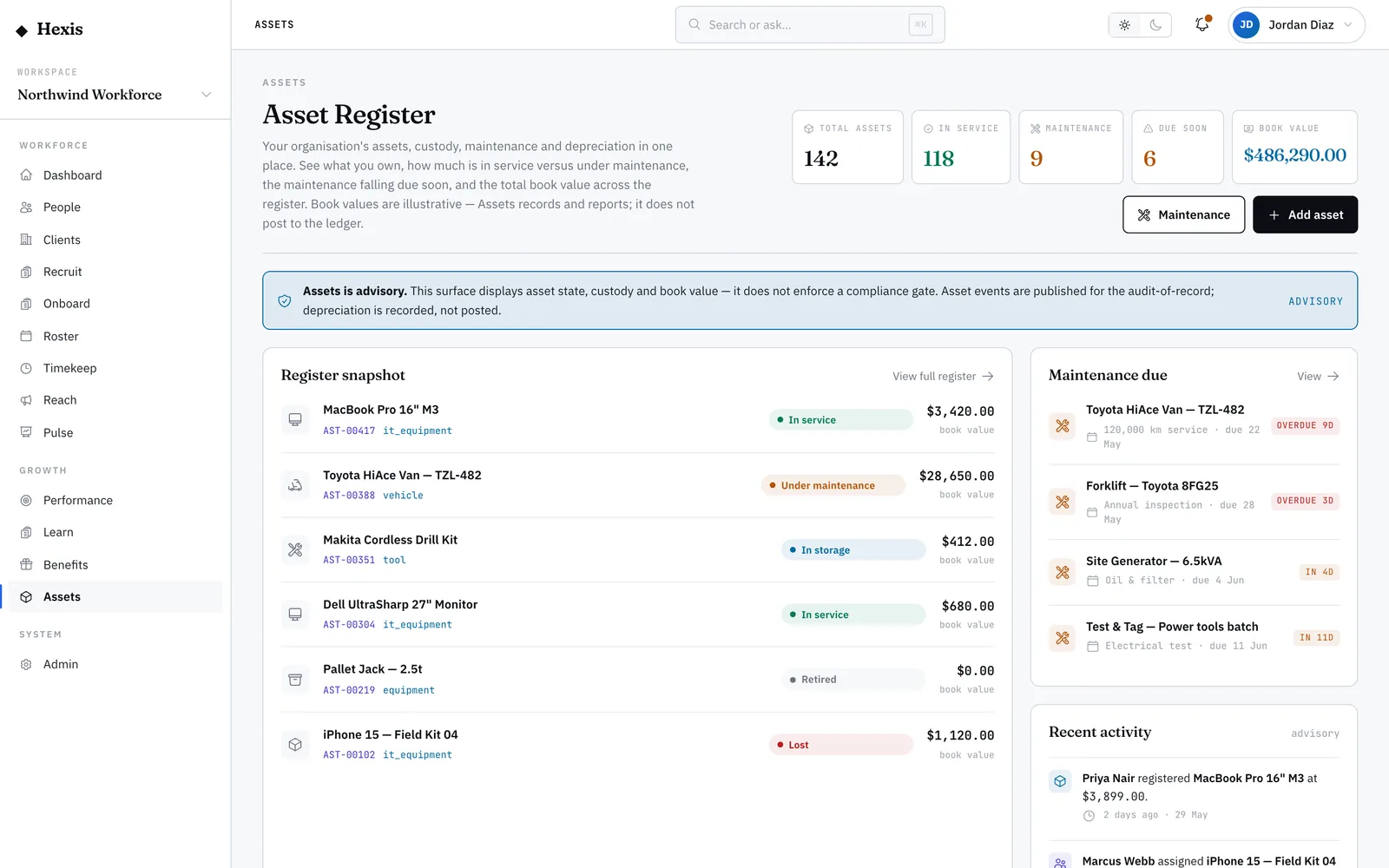
You see every assignment row: asset, holder, assigned-on, returned-on, condition out, condition in and a status pill.
- 2
Find what is still out
Scan for the “Active” pills — these are the items in someone’s custody right now. The “—” in returned-on confirms they have not come back.
- 3
Identify the holder
Each row names the worker, site or client holding the item, with a type badge, so you know exactly who to chase.
- 4
Record the return
On an active row, choose Return, set the return date and the condition it came back in — new, good, fair or poor.
- 5
Confirm
The row flips to “Returned”, the item is freed for the next assignment, and the condition-in note sits on the record for good.
Worked example
Follow it through.
The scenario
Tom Okafor finishes his contract at Harbour Point Terminal and his radio must come back.
- 1 Open the assignments ledger and filter to active rows.
- 2 Find radio AST-00211, holder Tom Okafor, assigned Mon 12 May, condition out “Good”.
- 3 Tom hands the radio in; choose Return on that row.
- 4 Set returned-on to Fri 6 Jun and condition in to “Fair” — the antenna is scuffed.
- 5 Confirm the return.
The result
The row shows “Returned — condition in: Fair”, the radio is available again, and the scuff is recorded for any later dispute.
Tips & notes
Good to know.
- Condition in worse than condition out is your evidence for a damage charge or a write-down.
- An active row with an old assigned-on date is a good first place to look for kit that has gone quiet.
- Returning here frees the item to be assigned again straight away — no need to touch the register.
- If an item truly cannot be found, mark it lost from its asset record rather than leaving the assignment open.
When you’re done
A current picture of every item out on loan, with returns closed off and condition recorded both ways.