What it is
The catalog is the shelf of everything your agency offers — every titled course with its category, who delivers it, how it’s delivered, how long it takes, and whether it’s mandatory. It’s where anyone goes to answer the simple question: what can I take?
It matters because skills and tickets don’t keep themselves current. When a worker wants to upskill, or a manager points someone at a course, the catalog is the front door. Filters and search keep it quick, so finding a course is a few seconds, not a scroll.
When to use it
- You want to see every course on offer in one place
- You’re looking for training in a specific area, like safety or leadership
- A manager asked you to find and start a particular course
- You only want to see what’s mandatory for your role
- You want to filter to online courses you can do from anywhere
How it works
Step by step.
- 1
Open the catalog
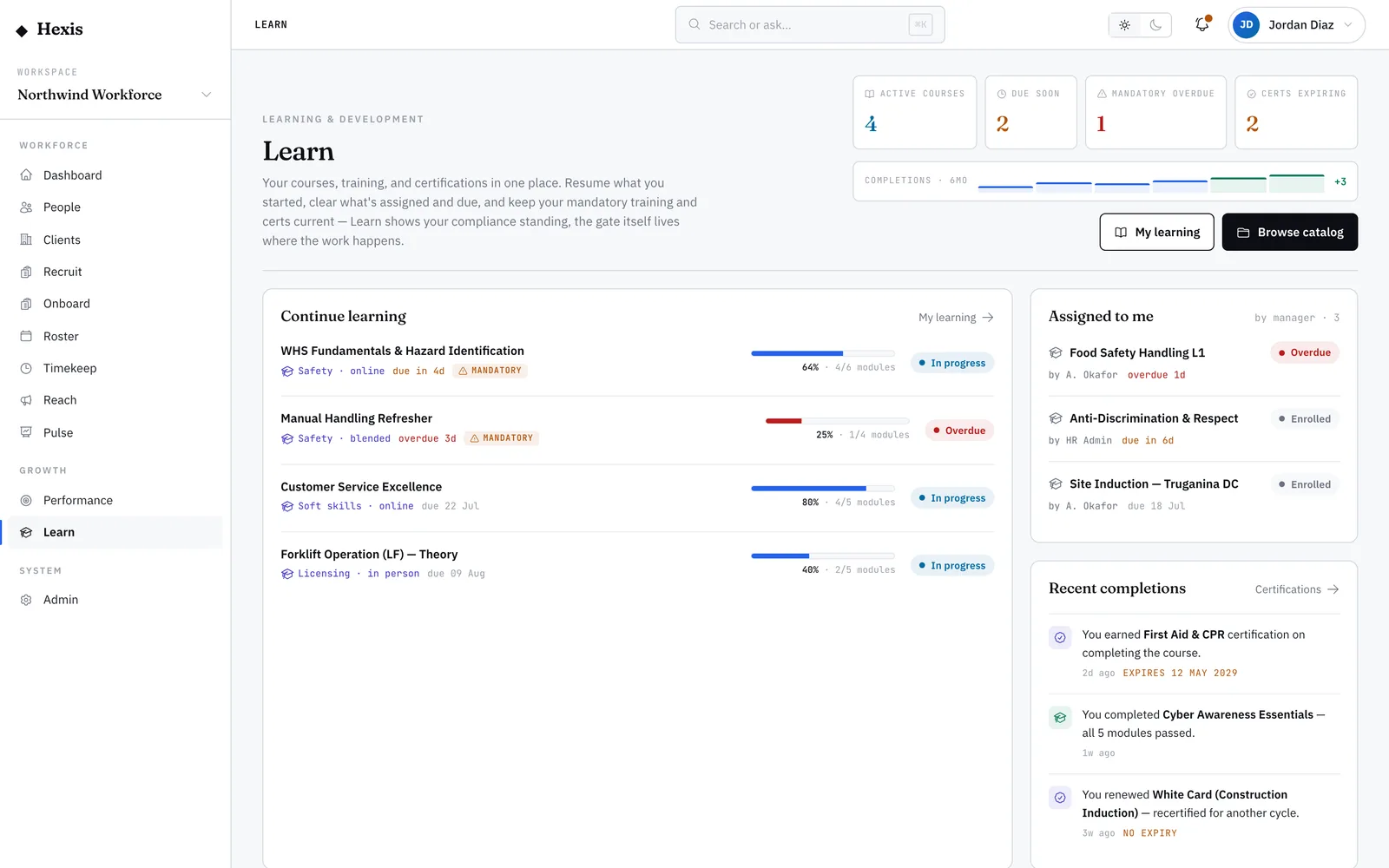
Land on the catalog from the Learn home. Every published course shows as a card with its title, category, provider and how long it takes.
- 2
Filter to narrow the shelf
Use the category, delivery mode and mandatory filters to cut the list to what you need. Pick online-only if you want courses you can complete remotely.
- 3
Search by title or provider
Type a few letters of the course name or the provider — internal or an external training body — to jump straight to it.
- 4
Open a card to read more
Click any course to see the full detail: the module list, the duration, and whether it carries a recurring renewal.
- 5
Enrol from the card
Enrol straight from the catalog. The course moves into your learning list and you can start the first module right away.
Worked example
Follow it through.
The scenario
Maya Chen, a Security Officer at Northwind Workforce, wants a refresher on conflict de-escalation before a busy event weekend.
- 1 Maya opens the catalog and sets the category filter to Safety.
- 2 She types “de-escalation” in the search box; one course appears — “Conflict De-escalation Essentials”, delivered online, 45 minutes.
- 3 She opens the card and sees it’s three short modules with a quiz at the end.
- 4 She clicks Enrol; the course lands in her learning list.
- 5 She starts the first module straight from the catalog.
The result
The course is now in Maya’s learning list, started, with two modules left and her progress ring showing about a third complete.
Tips & notes
Good to know.
- A mandatory tag on a card means the course is required, not optional — start those first.
- The delivery filter separates online, in-person and blended courses, so you only see what fits your week.
- Retired courses are hidden from the catalog by default; if you can’t find something old, it may have been replaced by a newer version.
- Self-enrolling is instant — no approval needed for non-restricted courses, so you can start the moment you find one.
When you’re done
You’ve found the right course and enrolled, ready to start learning.