What it is
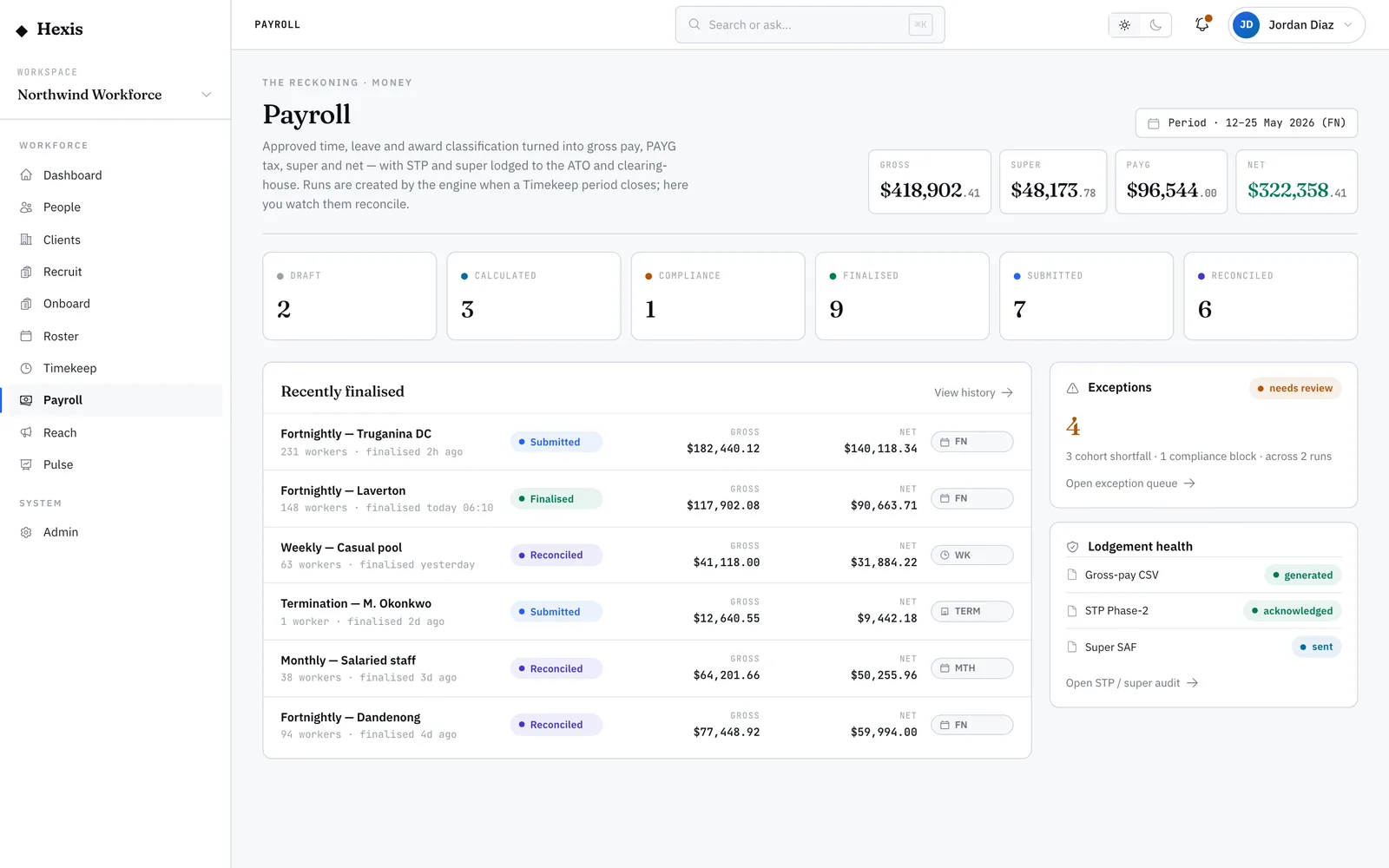
Super is the compulsory retirement contribution an employer pays on top of wages. Hexis accrues it on every payday: the statutory super-guarantee rate is applied to each worker’s super-eligible earnings, and a contribution record is written when a run finalises — carrying the fund, the member number, the contribution amount and the date it’s due to the clearing house. The superannuation view tracks all of that.
Super has hard deadlines, and paying late carries a penalty charge. This surface is how you stay ahead of them: it shows what’s accrued, what’s scheduled, what’s been paid, and what’s at risk of being late, per worker and per fund, so the quarterly obligation never sneaks up.
When to use it
- You want to confirm super accrued correctly for the latest run
- A quarterly super deadline is approaching and you need to see what’s due
- You’re checking a worker’s fund details before lodging
- You need to confirm a contribution was paid, not just scheduled
How it works
Step by step.
- 1
Open the superannuation view
It shows super accrued from finalised runs, per worker and fund, with the eligible earnings it was calculated on.
- 2
Check the contribution
Each row shows the super-eligible earnings and the contribution at the current guarantee rate, so you can confirm the amount is right.
- 3
Confirm fund details
See the fund identifier and the worker’s member number — the details that have to be correct for the clearing house to accept the payment.
- 4
Watch the due dates
Each contribution carries its due date to the clearing house. Sort by due date to see what needs paying first.
- 5
Track to paid
Follow the status from accrued to scheduled to submitted to paid. Anything still unpaid as a deadline nears is what to action.
Worked example
Follow it through.
The scenario
Northwind Workforce is approaching a quarterly super deadline and you’re confirming what’s due.
- 1 Open the superannuation view and sort by due date.
- 2 Maya Chen’s contribution is $381.65 on $3,180.40 eligible earnings, fund confirmed, status “Scheduled”.
- 3 Aisha Rahman’s row shows status “Accrued” with no fund — her member number is missing.
- 4 You add Aisha’s fund and member number, and her status moves to “Scheduled”.
- 5 All contributions for the quarter now show “Scheduled” ahead of the due date.
The result
Every worker’s super for the quarter is scheduled with correct fund details, ahead of the deadline, ready to lodge.
Tips & notes
Good to know.
- Super is calculated on super-eligible earnings, not total gross — overtime and some allowances may not attract it, which is why the eligible figure is shown.
- A missing fund or member number is the most common reason a contribution sticks at “Accrued” — fix it before the lodgement window.
- Sort by due date as a quarter closes; “Late” status carries a penalty charge, so the unpaid rows are your priority.
- The guarantee rate steps up on a legislated schedule — Hexis applies the rate in force for each payday automatically.
When you’re done
Every worker’s super accrued, scheduled with correct fund details, and tracked through to paid before its deadline.