What it is
Compliance training is the manager’s home for the training people must hold, not the training they might choose. It’s a coverage view: a grid of who has completed which mandatory courses, an at-risk gate showing who’s overdue or expired right now, and a panel of what’s about to lapse — with the assign action right there to fix it.
It matters because mandatory means mandatory. A missed safety course or a lapsed induction isn’t a training gap, it’s a liability — for the worker, the client and your agency. This screen answers three questions in one place: is everyone trained, who’s at risk today, and what’s about to expire — so nothing falls through.
When to use it
- You need to confirm your whole team holds its mandatory training
- You want to find who’s overdue or expired right now
- You’re heading off lapses before they become a compliance breach
- A client requires proof of mandatory training before workers attend site
- You want to assign the missing course to everyone who needs it in one go
How it works
Step by step.
- 1
Open compliance training
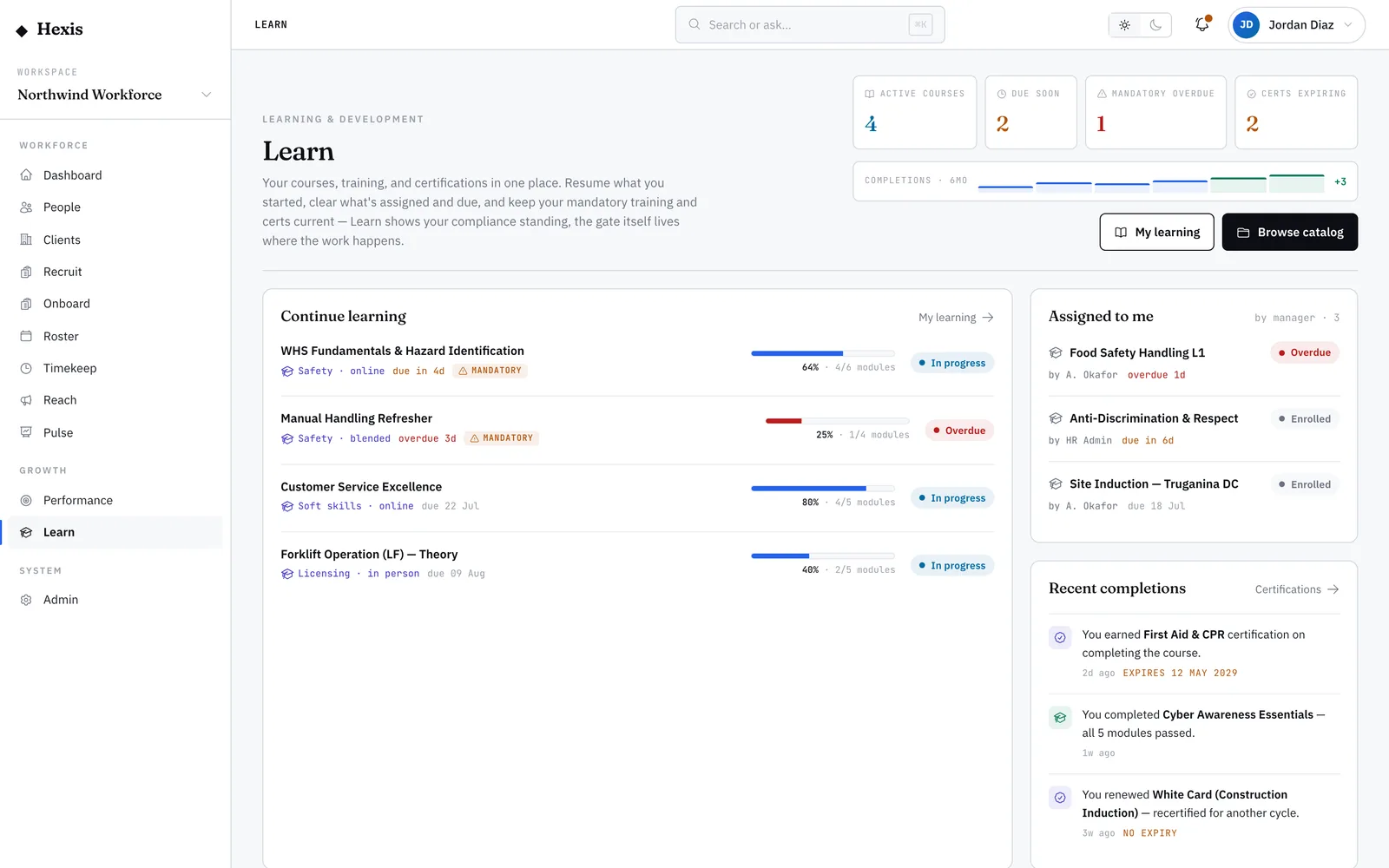
Open the compliance home for your team. You’ll see a grid of workers against the courses they’re required to hold.
- 2
Check the at-risk gate
The at-risk panel lists anyone overdue or expired right now — the most urgent group, surfaced first.
- 3
Scan what’s expiring
The expiring-soon panel shows mandatory credentials approaching lapse, so you can act before they fall into the at-risk gate.
- 4
Assign the fix
From a gap, a row or the at-risk list, assign the required course with a due date — to one worker or everyone missing it.
- 5
Track to compliant
As workers complete, their cells turn compliant and they drop out of the at-risk gate. Watch the team move to fully covered.
Worked example
Follow it through.
The scenario
A line manager runs the weekly check on her team of six Care Workers serving Brightwater Health.
- 1 She opens compliance training; the at-risk gate shows one overdue — Daniel Cho’s manual-handling course, due last Friday.
- 2 The expiring-soon panel flags two infection-control certificates lapsing within the fortnight.
- 3 She assigns the manual-handling course to Daniel with a due date of Wed 11 Jun.
- 4 She starts renewals on the two expiring infection-control certificates.
- 5 Daniel completes the course on Tuesday and clears the at-risk gate.
The result
The team is back to fully compliant — no one overdue, the two expiring certs renewed, and the manager has a clean record for Brightwater Health.
Tips & notes
Good to know.
- Treat the at-risk gate as your first stop each week — it’s the list that can cost you a site if ignored.
- Act on expiring-soon before items reach the at-risk gate; a renewal in the window is far cheaper than a lapse.
- Assigning from the grid sets the due date automatically against the requirement, so workers always see the deadline.
- Mandatory recurring courses re-trigger on their cadence, so the same screen keeps the team compliant cycle after cycle.
When you’re done
Your team’s mandatory training is current, the at-risk list is clear, and lapses are caught before they bite.