What it is
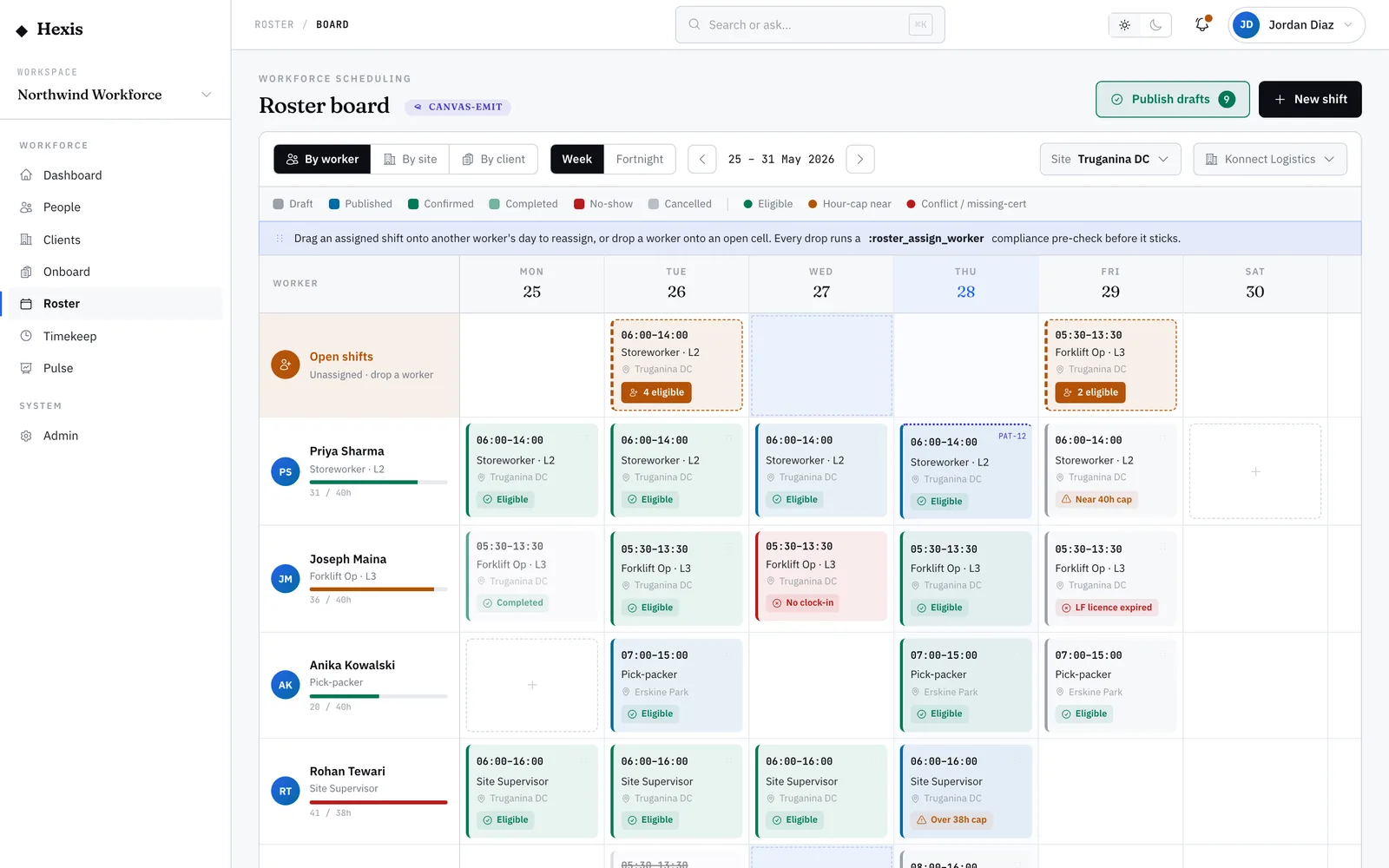
Plans change, and workers ask to hand off a shift or pick one up. Those requests land in one decision queue: a swap, where a worker nominates someone to take their shift, or a pickup, where a worker offers to take an open one. Either way it waits for your call.
You review each request, confirm the replacement is actually eligible for that shift, and approve or decline. When you approve, both sides settle in one move — the shift moves to the new worker and the rosters stay in sync, so no one shows up to a shift that’s no longer theirs.
When to use it
- A worker asks to hand their shift to someone else
- A worker offers to pick up an open shift
- You need to reassign a shift without rebuilding the roster
- You’re clearing the day’s swap and pickup requests
How it works
Step by step.
- 1
Open the changes queue
See every pending swap and pickup request across the operation, each showing the workers and the shift’s time window.
- 2
Tell swaps from pickups
A swap names a worker handing off to another; a pickup is a worker taking an open shift. The queue labels each so you know the move.
- 3
Check the replacement
Confirm the incoming worker is eligible for that shift — right ticket, no clash, within their cap — before you approve.
- 4
Approve or decline
Approve to make the move, or decline with a reason. Both workers are told the outcome.
- 5
Confirm the sync
On approval the shift moves to the new worker and the rosters update together, so both views match.
Worked example
Follow it through.
The scenario
Tom Okafor asks to hand his Wed 11 Jun Security Officer shift at Riverside Plaza, 14:00–22:00, to Maya Chen.
- 1 Open the changes queue; Tom’s request shows as a swap to Maya Chen.
- 2 Open it — the shift is the Wednesday 14:00–22:00 Security Officer slot at Riverside Plaza.
- 3 Check Maya: current security licence, no clashing shift, under her cap — eligible.
- 4 Approve the swap.
- 5 Both Tom and Maya are notified of the change.
The result
The Wednesday shift now reads "Confirmed — Maya Chen", Tom’s roster no longer shows it, and both views are in sync.
Tips & notes
Good to know.
- Always check the incoming worker’s eligibility — a swap can still breach a ticket or hours cap if you don’t.
- Decline with a clear reason; the worker sees it, which saves a follow-up message.
- A pickup is the worker-initiated cousin of filling an open shift — same eligibility check, started from their side.
- Both rosters settle in one move, so you never have to manually un-assign the original worker.
When you’re done
The shift moves cleanly to an eligible replacement, both workers are notified, and the rosters stay in sync.