Roster · Scheduling & time
Workforce Management
WFM turns demand into a roster and a roster into hours worked — coverage, shift fill, time capture and the award-correct inputs your pay run needs.
Shift fill
3 guidesCover an unfilled shift
Fill a gap in the roster with the best-matched available worker and send the offer in a couple of clicks.
Run the shift marketplace
Let workers bid on open shifts, see the bidders ranked by fit, and award each shift to the strongest match.
Swap or hand off a shift
Work the queue of swap and pickup requests, check the replacement is eligible, and keep both rosters in sync.
Scheduling
5 guidesCreate a single shift
Add one shift to the roster — site, time, role and pay — with compliance checked as you fill it in.
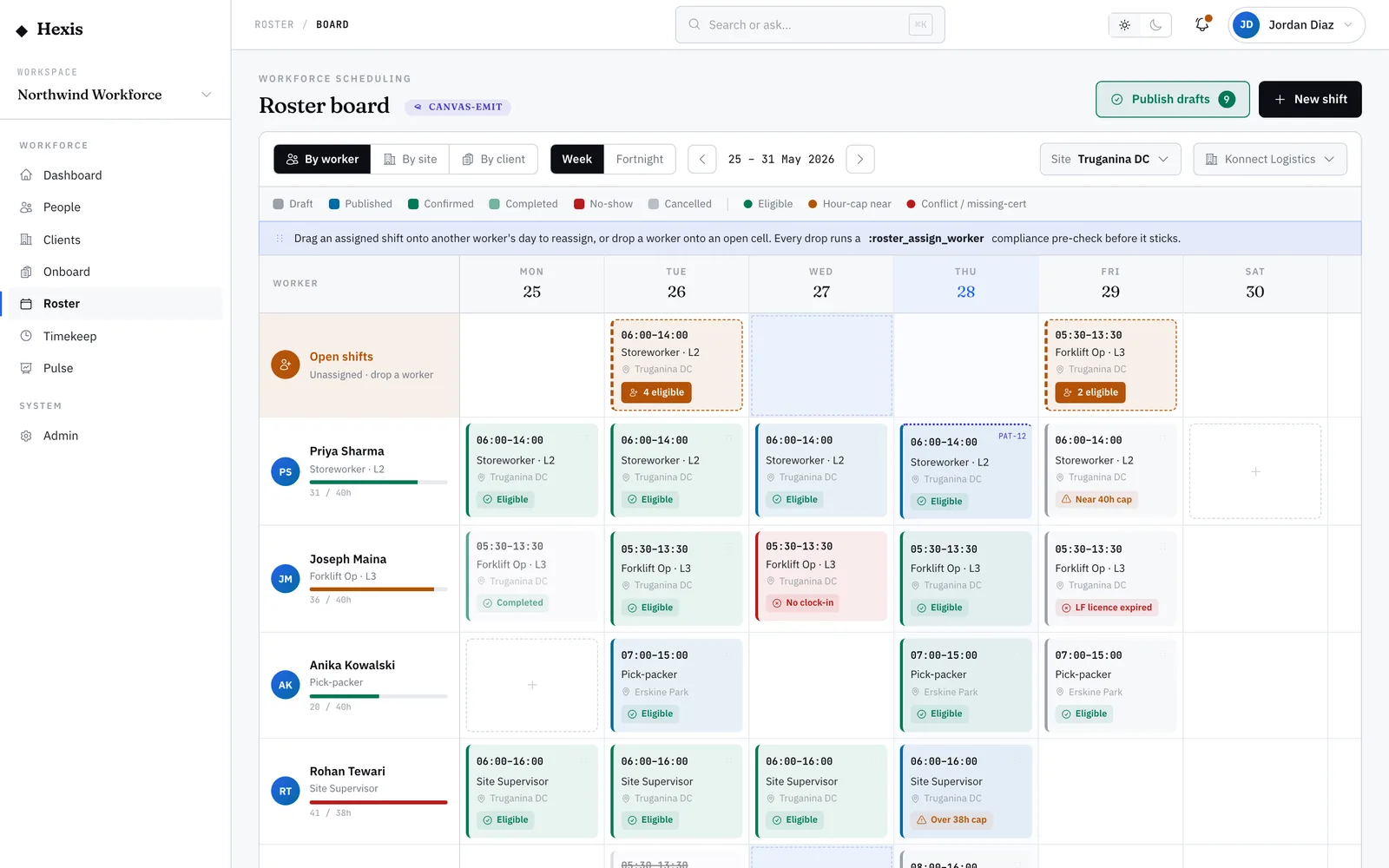
Build a roster on the board
Lay out a week of shifts on the worker-by-day board, check coverage, and publish the roster in one place.
Build rosters from patterns
Save a recurring schedule once as a pattern, then generate weeks of shifts forward from it without rebuilding by hand.
Set up crew rotations
Run fly-in fly-out or swing rosters by layering on/off blocks over a pattern so crews cover a remote site back-to-back.
Set worker availability
Record when a worker can, can’t or prefers to work, so the roster only offers them shifts they can actually take.
Demand & capacity
3 guidesForecast labour demand
See how much labour each site will need in the weeks ahead, based on recent actuals, before you build the roster.
Plan capacity for the weeks ahead
Check whether your deployable pool can cover forecast demand, week by week, after leave and expected shrinkage.
Track the labour budget
Watch the committed roster’s cost against each client’s budget for the period and catch overruns before pay runs.