Across the lifecycle · Clients & revenue
Commercial
Commercial connects the workforce you run to the clients you run it for — client and site records, quotes and job orders, invoicing and revenue reconciliation.
Clients & sites
3 guidesAdd and set up a client
Create a client company, place it in its group hierarchy, and connect it to the rules that govern its work.
Manage client sites
Keep every place your workforce attends — address, location and worker count — current across all clients in one view.
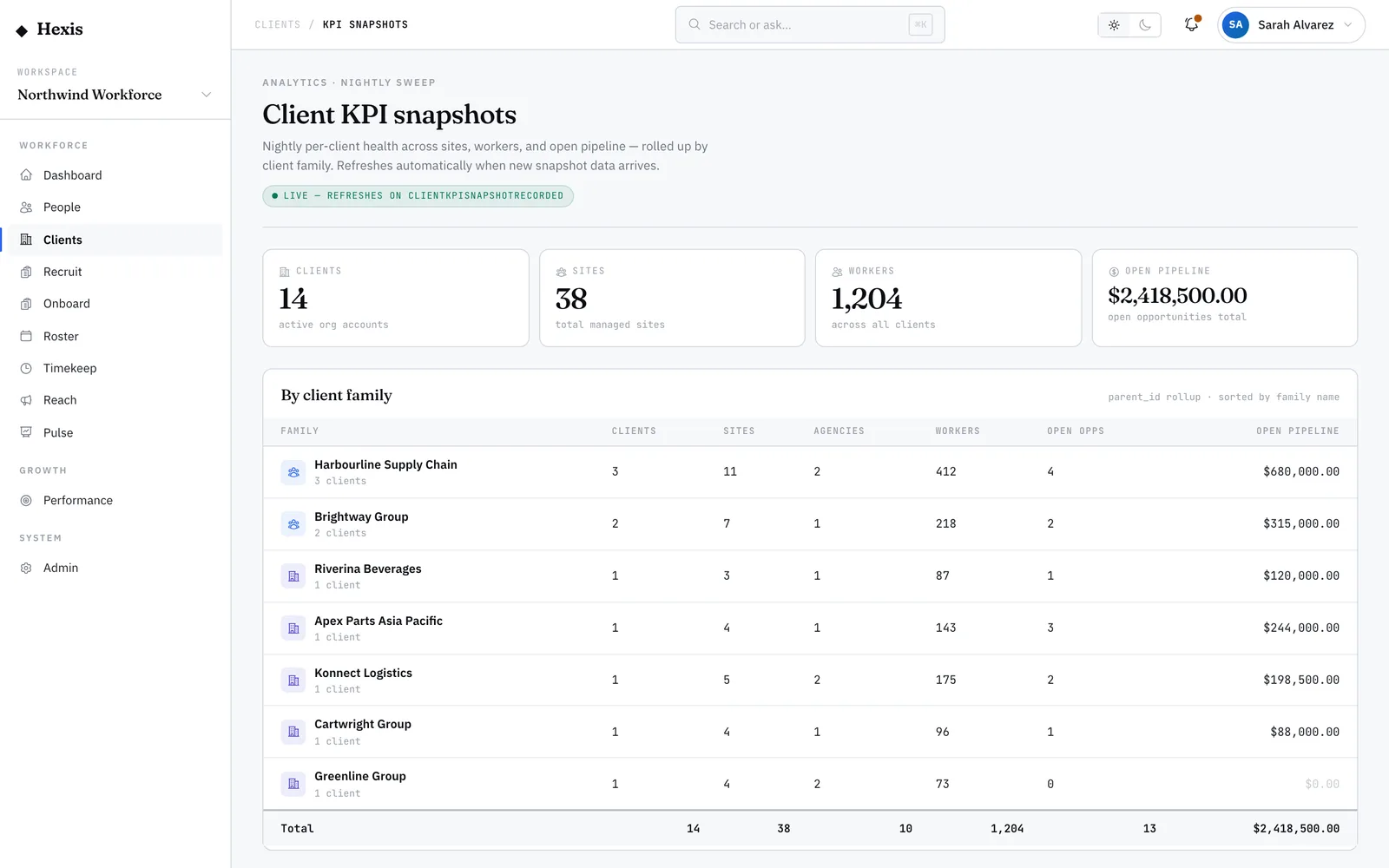
Read the client KPI dashboard
See client health across the whole book — sites, workers, open pipeline and group rollups — refreshed every night.
CRM & pipeline
2 guidesWork the CRM pipeline
Move opportunities through the sales stages on a board that shows count and value at every step.
Log and track CRM activities
Record calls, meetings and tasks against accounts, and work your open and overdue tasks from one list.
Quotes & contracts
2 guidesBuild and send a quote
Assemble a priced quote from rate cards, add adjustments, and send it for signature — the front of quote-to-cash.
Manage contracts and statements of work
Hold each client’s contracts and statements of work — value, term and status — in one register you can track at a glance.
Invoicing
2 guidesRaise and send invoices
Turn approved time and rate cards into a tax invoice, run the compliance check, and send it to the client.
Track invoice ageing
See how much is owed and how stale it is, split into ageing buckets, with the worst-aged debtors pulled forward.
Margin & revenue
3 guidesWork with rate cards
Set what you pay and what you charge per client and role, so every invoice and quote prices to a known margin.
Watch margin alerts
Catch rate cards whose margin has slipped below its floor after a pay or on-cost change, before it erodes profit.
Recognise revenue across schedules
Spread invoiced revenue across the period it is earned, tracking what is recognised versus still deferred.
Keep exploring